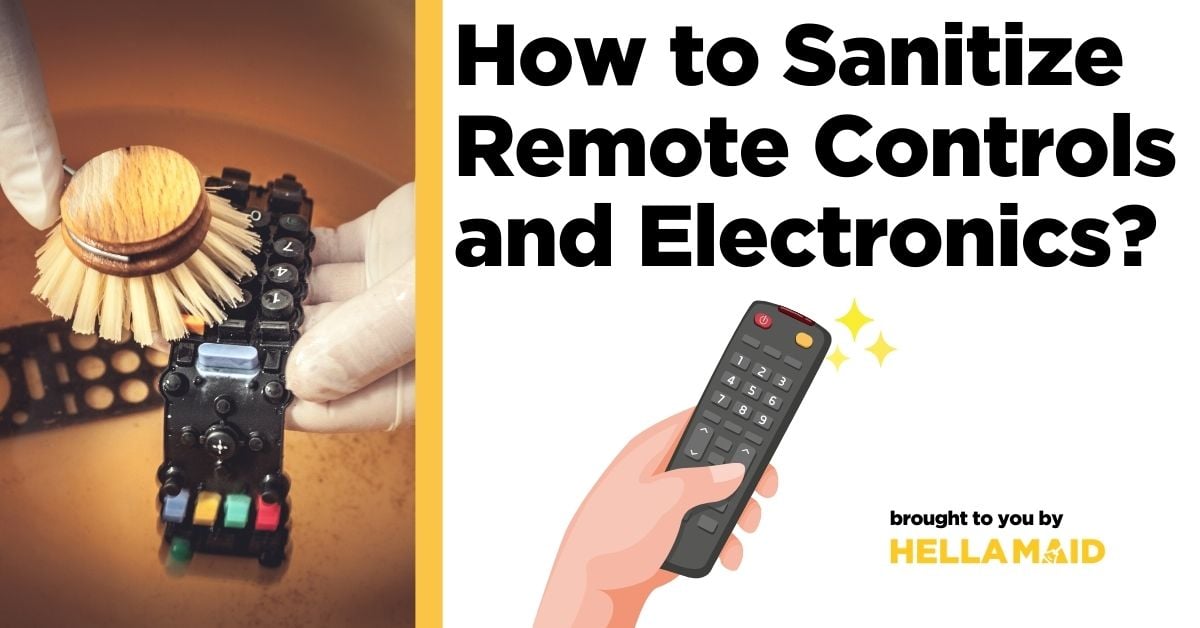
Remote controls and electronics are some of the most-used items in every home and office. We hold them, pass them around, and sometimes even eat while using them. But have you ever stopped to think about how to sanitize your remote controls and other electronics?
Learning how to sanitize remote controls and other electronics is more important than ever. These items can carry more germs than a toilet seat, according to studies. Yet, many people forget to include them in their cleaning routines.
This guide is here to help you make sanitizing these devices a regular habit.
Why Sanitizing Remote Controls and Electronics Matters
Your remote control travels to many places in your home. It moves from hand to hand, falls between couch cushions, and sometimes even accompanies meals. This makes it a perfect breeding ground for bacteria and viruses.
Additionally, remote controls in hotel settings were among the most contaminated surfaces. While your home isn’t a hotel, the principle remains the same. Frequently touched objects need regular cleaning.
Here’s why it matters:
- Remote controls can harbor cold and flu viruses that survive for days
- Shared electronics can spread germs between family members
- Food particles from snacking can attract bacteria
- Dust and allergens collect in button crevices
- Regular cleaning extends the life of your electronics
For most households, sanitizing remotes and electronics weekly is sufficient. However, during cold and flu season or when someone at home is sick, daily cleaning is recommended.
Before You Start: Safety Precautions
Before diving into cleaning, let’s cover some important safety tips:
- Always turn off and unplug electronic devices before cleaning
- Remove batteries from remotes when possible
- Never spray liquids directly onto any electronic device
- Allow items to dry completely before using again
- Check manufacturer guidelines for specific cleaning instructions
- Store cleaning supplies away from children and pets
These simple precautions protect both you and your devices from damage. Now, let’s gather our supplies and get started!
Supplies You’ll Need to Prepare
Here are the cleaning supplies you must prepare before you start:
- Isopropyl alcohol (70% concentration)
- Microfiber cloths
- Cotton swabs
- Soft toothbrush (optional)
- Distilled water
- Small bowl for mixing solution
- Disposable gloves (optional)
How to Sanitize Your Remote Controls: A Step-by-Step Guide

Below are the instructions you can follow to effectively clean your remotes:
Step 1: Remove Batteries and Prepare the Remote
Start by removing the battery cover and batteries from your remote control. This prevents any electrical shorts while cleaning. If the battery compartment looks dirty, make a note to clean it later.
Step 2: Remove Loose Debris
Turn the remote upside down and gently tap it against your palm to dislodge crumbs and loose debris. For stubborn dirt between buttons, use a soft toothbrush to gently brush away particles.
Step 3: Create Your Cleaning Solution
Mix equal parts 70% isopropyl alcohol and distilled water in a small bowl. This solution is effective at killing germs without damaging most plastic surfaces. Never use bleach, hydrogen peroxide, or ammonia-based cleaners on electronics as they can damage the materials.
Step 4: Clean the Remote Surface
Slightly dampen a microfiber cloth with your cleaning solution. The cloth should be damp, not wet. Wipe the entire surface of the remote, paying special attention to frequently touched areas like channel and volume buttons.
Step 5: Clean Around Buttons and Crevices
For the spaces between buttons, dip a cotton swab in your cleaning solution and squeeze out excess moisture. Carefully clean around each button and in any crevices. This is where germs like to hide!
Step 6: Disinfect
Once the remote is clean, use a fresh microfiber cloth slightly dampened with your alcohol solution to disinfect the entire surface. Let the solution sit for about 10 seconds before wiping dry with another clean cloth.
Step 7: Dry and Reassemble
Allow the remote to air dry completely before replacing the batteries and cover. This usually takes just a few minutes but is an essential step to prevent damage.
Cleaning Other Common Electronics

Aside from cleaning the remote controls, here are a few other electronics you can ensure to clean:
TV Screens and Monitors
For screens, avoid alcohol-based cleaners as they can damage coatings. Instead:
- Turn off and unplug the device
- Dust with a dry microfiber cloth
- For smudges, use a microfiber cloth very slightly dampened with distilled water
- Dry immediately with a clean cloth
Smartphones and Tablets
These devices travel everywhere with us and need frequent cleaning:
- Power off the device
- Remove from case (clean the case separately)
- Use an electronics-safe wipe or slightly dampened microfiber cloth
- Pay special attention to the screen and buttons
- Allow to dry completely before turning back on
Computer Keyboards and Mice
For these desk companions:
- Disconnect or turn off the device
- Turn keyboards upside down and gently shake out debris
- Use compressed air to blow out particles between keys
- Wipe surfaces with a microfiber cloth dampened with alcohol solution
- Clean between keys with cotton swabs
Gaming Controllers
Gaming sessions can get intense and leave controllers grimy:
- Remove batteries if possible
- Wipe with a cloth dampened with your alcohol solution
- Clean joysticks and button areas with cotton swabs
- Allow to dry completely before using
Remember that all electronics need special care when cleaning. If you’re unsure about proper cleaning methods for a specific device, check the manufacturer’s website for guidance.
Related Article: How to Clean Washing Machine?
Tips for Maintaining Clean Electronics Between Deep Cleans
Keeping your electronics clean doesn’t have to be a major chore. Here are some simple habits to maintain cleanliness between deep cleaning sessions:
- Keep a pack of electronics-safe wipes near your entertainment center
- Create a habit of wiping down remotes once a week
- Wash hands before using shared electronics
- Avoid eating while using remotes or controllers
- Store remotes in a clean, dedicated place instead of between couch cushions
- Consider silicone covers for remotes that are washable
- Keep drinks away from electronics to prevent sticky spills
These small habits can make a big difference in keeping your electronics clean and extending their lifespan.
Common Mistakes to Avoid When Sanitizing Electronics
Even with the best intentions, these common mistakes can damage your devices:
- Using too much liquid, which can seep into the electronics
- Spraying cleaners directly onto devices instead of onto a cloth
- Using abrasive materials that scratch screens
- Applying too much pressure when cleaning buttons
- Using household cleaners not designed for electronics
- Forgetting to remove batteries before cleaning
- Not allowing devices to dry completely before use
- Using paper towels, which can leave lint and scratch surfaces
Taking a few extra minutes to clean properly will save you from costly repairs or replacements down the road.
Conclusion
Keeping your remote controls and electronics clean is a simple yet powerful way to reduce germs in your home. By following the steps outlined in this guide, you can effectively sanitize these frequently touched items without damaging them.
Remember to make electronic cleaning part of your regular household routine, especially during cold and flu season.
Keep Your Home Truly Clean With Professional Help

While you now have the knowledge to tackle remote controls and electronics, keeping your entire home clean requires time and effort. Sometimes, life gets busy, and cleaning tasks pile up. That’s where professional help comes in handy!
Want to hassle-free ensure your electronics and home stay germ-free? Book a professional cleaning with Hellamaid. Our trusted team offers detailed and reliable services that fit your needs. Let us help you keep every corner spotless, including the remotes!